

Movavi Photo Slideshow Maker 25.0.1
Planning a Movavi Slideshow Maker download? Read our honest review first. We cover the 7-day trial limits, lifetime vs annual pricing, verified file size, real user complaints about random motion and templates, and safe installation advice.
- Free trial
- Windows
- macOS
- Nov 1, 2026
9a56f1df56836c1f0900af3729b9916ec21092fa2ed6fcd40ab189202c585585VirusTotal report ↗70399713555eb178c3b0e0300d3fb8a7536c5c13d9a40d2e54707408e7fc70a8VirusTotal report ↗Screenshots and videos
About Movavi Photo Slideshow Maker
Movavi Slideshow Maker Download Review: A Beginner-Friendly Tool Trapped Behind a Watermark
TL;DR Quick Take / Who Is This For?
Movavi Slideshow Maker is a beginner-focused video slideshow application for Windows and macOS. It is genuinely easy to use, and the dual-mode workflow, a guided Slideshow Wizard for quick drafts and a Manual timeline for finer control, makes it approachable for people who have never edited video before. However, the “free download” is a 7-day trial with hard limits: exported videos carry a watermark, and audio is cut to half its length. The full version costs around $44.95 per year or $69.95 for a lifetime license. User feedback is broadly positive on ease of use but consistently critical of template limitations and the frustrating randomness of automatic motion effects. If you need a fast, simple slideshow for a family event or a school project and are willing to pay, it is a reasonable choice. If you expect a free tool or professional-grade control, look elsewhere.
Quick Info Box
| License Type | Paid (annual or lifetime); 7-day limited trial |
|---|---|
| File Size | ~2.6 MB installer; ~400–406 MB installed |
| OS Compatibility | Windows 10/11 (64-bit); macOS |
| Latest Version | 25.0.1 |
| Developer | Movavi |
Key Features & Real-World Usability
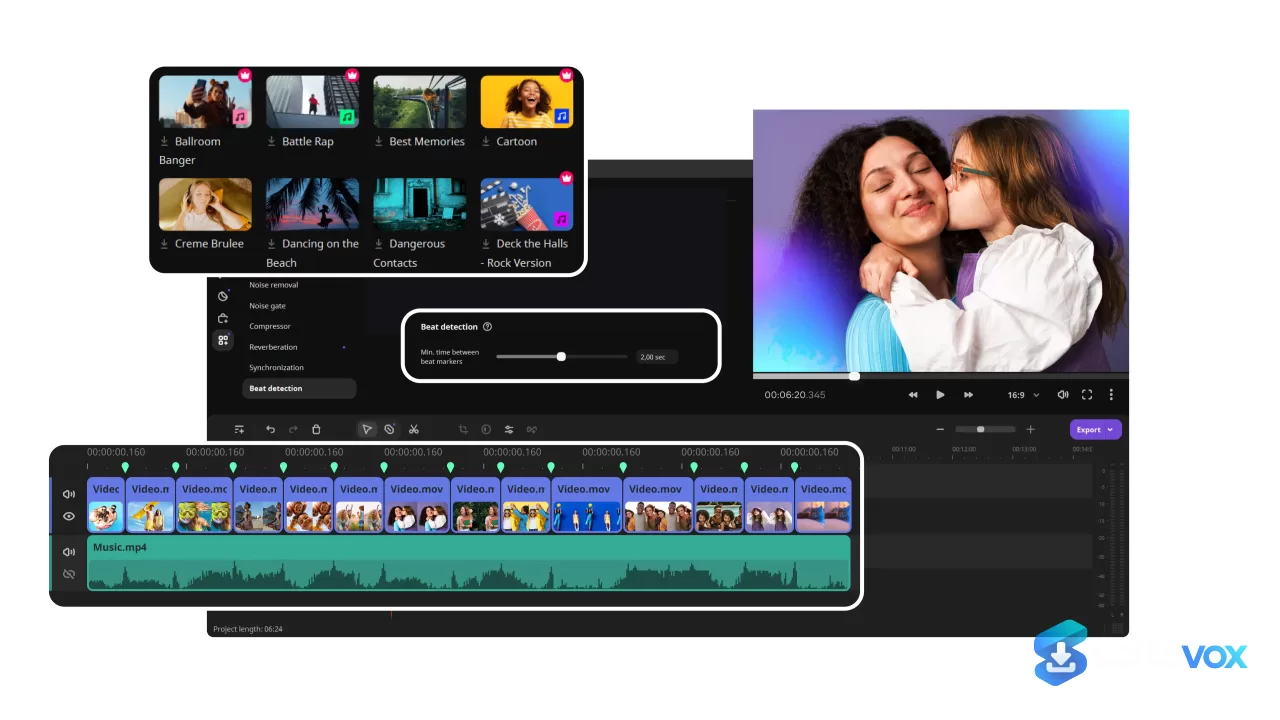
The strongest feature of Movavi Slideshow Maker is its dual editing mode. The Slideshow Wizard walks you through selecting photos, applying a template, and adding music, producing a watchable draft in minutes. The Manual mode exposes a timeline where you can adjust pacing, add titles, apply color correction, and fine-tune transitions. For a beginner who needs a result quickly, that combination is genuinely effective. The app also includes a music library organized by mood, energetic, calm, romantic, and upbeat, and supports voiceover recording for narration.
The problems appear when you try to go beyond the automated path. The Slideshow Wizard templates are basic and limited, and while the app advertises 180+ filters and 100+ transitions, the quality of the automatic motion is a recurring complaint. One experienced user described the random movements as “MUY rápidamente” to generate but “jodido, y a veces imposible, modificar” (a pain, and sometimes impossible) to adjust manually; the practical workaround is to re-roll the random motion two, three, or four times until it looks acceptable. The app also cannot combine multiple photos into a single slide natively, forcing users to rely on external collage tools. Exporting works, but you always finish in the main export panel rather than from within the wizard.
- Dual editing modes: Slideshow Wizard for speed, Manual timeline for control.
- Built-in music library: mood-based tracks plus voiceover recording.
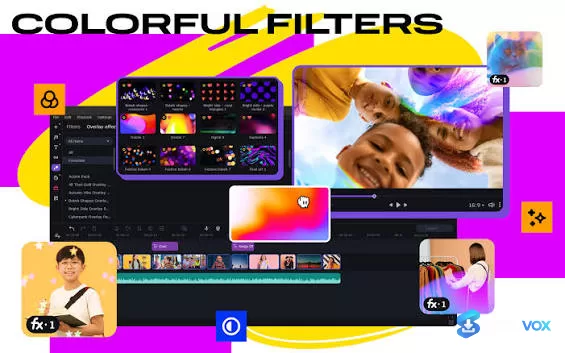
- Effects and transitions: 180+ filters and 100+ transitions, though quality varies.
- Scene Detection: automatically splits long footage to save editing time.
- Direct upload: export to YouTube, Vimeo, or Google Drive from the app.
Pros, Cons & Community/User Feedback
Aggregated sentiment is positive on the surface. Movavi’s Trustpilot presence sits at 4.6 out of 5 across over 20,000 reviews, and a detailed 2026 review scored the software 4.2 out of 5, with usability rated a perfect 5. Beginners consistently praise the interface: one Mac user described it as “very easy to learn especially if you have any experience with iMovie and/or Final Cut,” and noted it uses “way LESS disk storage” than Apple’s tools. Another reviewer highlighted that the program lets you “quickly compose a cool slideshow” without hunting for hidden features. Those are real strengths for the target audience.
The criticism is equally specific. The most common complaint is that the Wizard templates feel basic and limited. Advanced users find the tool too simple, and the random motion effects are a genuine workflow obstacle rather than a minor annoyance. Support is another weak point: email responses can take “up to a few days,” which is slow if you are stuck on a deadline. The trial is also more restrictive than the marketing implies, watermark on every export and audio cut to half length, so you cannot properly evaluate the final output without paying first.
Pros
- Beginner-friendly interface with a guided Wizard mode.
- Manual timeline available for users who want more control.
- Quick slideshow creation; a usable draft is minutes away.
- Scene Detection saves time on long footage.
- Built-in music library and voiceover support.
- Lighter disk footprint than comparable Apple tools.
Cons
- Not free: $44.95/year or $69.95 lifetime after the trial.
- Trial exports carry a watermark and have audio cut to half length.
- Wizard templates are basic and limited, according to multiple reviews.
- Random motion effects are difficult or impossible to adjust manually.
- Cannot combine multiple photos into one slide natively.
- Email support can take several days to respond.
- Some professional users find the tool too simple for complex projects.
Final Verdict & Safe Download Advice
Movavi Slideshow Maker is a competent, beginner-oriented slideshow tool with a paywall that is easy to miss. If you need to turn photos into a polished video for a birthday, graduation, or family memory book and you do not want to learn a full editor, the Wizard-plus-Manual workflow is worth the price. If you need precise control over motion, multi-photo collages, or professional-grade effects, the limitations will frustrate you quickly. The 7-day trial is useful for testing the workflow, but do not judge the final output by the trial export, because the watermark and audio truncation make it unrepresentative of the paid version.
The safest source for the download is the official Movavi website. The installer is small (around 2.6 MB) and downloads the full application during setup, so a dramatically larger third-party installer is a red flag. After installation, expect the program to occupy roughly 400–406 MB of disk space. Verify that the publisher is Movavi, run the installer through your usual security scan, and confirm you are on the current 25.x release. Avoid third-party download portals, which may bundle unwanted software or supply outdated builds.
- Download only from: the official Movavi Slideshow Maker page.
- Verify before installing: expect a ~2.6 MB installer and ~400 MB installed footprint; confirm the publisher is Movavi.
- Understand the trial: 7 days, watermark on exports, and audio limited to half length, budget for the paid license if you need clean output.
- Check the version: the current release is 25.0.1; older builds may lack fixes and current templates.
- Avoid third-party download sites: they may bundle unwanted software or modified installers.
- Consider alternatives if you need free output: the trial’s watermark and audio limits mean this is not a free tool in practice; evaluate whether a genuinely free editor fits your needs before committing.
Similar software




Key features
- Movavi Slideshow Maker download review: a beginner-friendly slideshow video maker for Windows and macOS.
- Not a free tool: the download is a 7-day trial with watermark exports and audio cut to half length.
- Paid pricing: around $44.95 per year or $69.95 for a lifetime license.
- Dual editing modes: Slideshow Wizard for fast drafts, Manual timeline for more control.
- Beginner-friendly workflow: users can build a watchable photo slideshow in minutes.
- Manual timeline controls: adjust pacing, titles, color correction, and transitions.
- Built-in music library: mood-based tracks plus voiceover recording support.
- Effects and transitions: advertises 180+ filters and 100+ transitions, though quality varies.
- Scene Detection: automatically splits long footage to save editing time.
- Direct upload options: export to YouTube, Vimeo, or Google Drive from the app.
- Key limitation: Wizard templates feel basic, and random motion effects are hard to adjust manually.
- Missing native collage feature: cannot combine multiple photos into one slide without external tools.
- User sentiment: strong ease-of-use scores, but complaints about limited templates, random motion, and slow email support.
- Safe download advice: use only the official Movavi site; verify Movavi as publisher, ~2.6 MB installer, ~400–406 MB installed, and version 25.x.
Frequently asked questions about Movavi Photo Slideshow Maker
Is Movavi Slideshow Maker free?
How much does Movavi Slideshow Maker cost?
Does the free trial have limitations?
Is Movavi Slideshow Maker good for beginners?
Can I adjust the automatic motion effects?
Can Movavi Slideshow Maker combine multiple photos into one slide?
What are the system requirements?
How big is the download and installed file?
Is Movavi Slideshow Maker safe to download?
What is the current version?
Is customer support responsive?
Who should use Movavi Slideshow Maker?
Versions
| Version | Release date | Platform | File size | |
|---|---|---|---|---|
| Movavi Photo Slideshow Maker 25.0.1 Latest version | Nov 1, 2026 | WindowsmacOS | 2.7 MB | Download |
Comments about Movavi Photo Slideshow Maker
No comments yet. Share your experience with this program!